Your AI CLI,
one message away.
Message Claude from WhatsApp, Telegram, or any app. Claude replies.Your machine doesn't even need to be on.
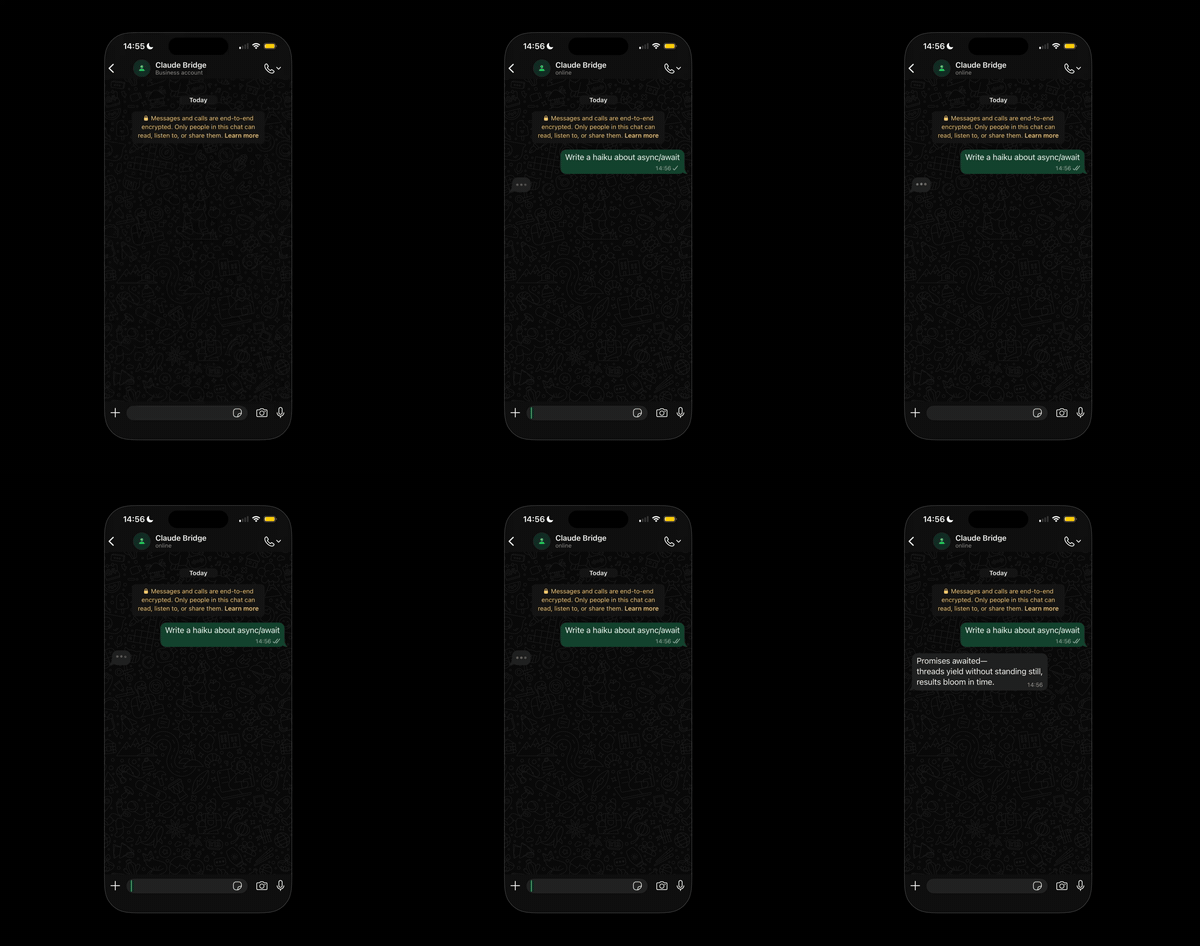
Everything else had a catch.
Reverb is a separate process. It holds the WhatsApp socket alive and spawns claude --print per message. Native system service, ~50 MB RAM, no cloud. Read the full writeup →
Built to run unattended.
Two commands. That's it.
- 01
Clone, install, and start.
One command clones the repo, builds, registers the system service for your OS, and starts the daemon. No Docker, no Twilio, no API keys.
bashgit clone https://github.com/eusougustavocesar/reverb.git cd reverb && npm install && npm run setup
- 02
Pair your phone. Done.
Scan the QR from your terminal. Reverb registers as a WhatsApp linked device — same protocol as WhatsApp Web. Auth survives reboots.
bashnpm run pair # → QR renders in terminal # iOS: WhatsApp › Settings › Linked Devices › Link a Device # Android: WhatsApp › ⋮ Menu › Linked Devices › Link a Device
The daemon and Claude Code run as independent processes. The WhatsApp socket stays alive for hours; each Claude invocation exits in seconds. That's why Reverb works when plugin-based bridges don't.
Why not the alternatives?
Setup time (minutes, lower is better)
I wanted to use Claude Code from my phone. The official plugin died the moment I closed the CLI. Docker ate 4 GB of RAM for a chat bridge. Twilio wanted a business account.
So I wrote a lightweight daemon. It spawnsclaude --printper message, runs as a system service, and uses my existing subscription. Mac closed. Phone in pocket. Claude still replies.

Up and running in minutes.
git clone https://github.com/eusougustavocesar/reverb.git cd reverb && npm install && npm run setup # Then pair your phone (interactive QR scan) npm run pair # iOS: WhatsApp › Settings › Linked Devices › Link a Device # Android: WhatsApp › ⋮ Menu › Linked Devices › Link a Device
Boot it once. It handles the rest — starts on login, reconnects on network drops, restarts on crash. Message yourself on WhatsApp to verify.
Run Reverb on a Linux VPS — a $5/mo server stays online while your laptop sleeps. The Linux systemd path handles everything.